See the previous post for more about how the skyboxes work in Synesthesia. One of the issues with the pre-rendered skyboxes is that the image of the stars in the background cannot properly rotate with the movement of sun.
The stars rotate over the sky as time progresses due to the rotation of Earth. However, since the stars must be behind the clouds and the current implementation of the pre-rendering cannot capture a mask of where the clouds are, it’s just embedded in the sky texture.
On the video above, pay attention to the top middle of the frame. There are two prominent stars there which appear to teleport around in a strange way - a consequence of them being embedded in the sky texture as it blends.
Compare this to the way true dynamic sky behaves, shown on the video below. The star map correctly rotates with the movement of Earth.
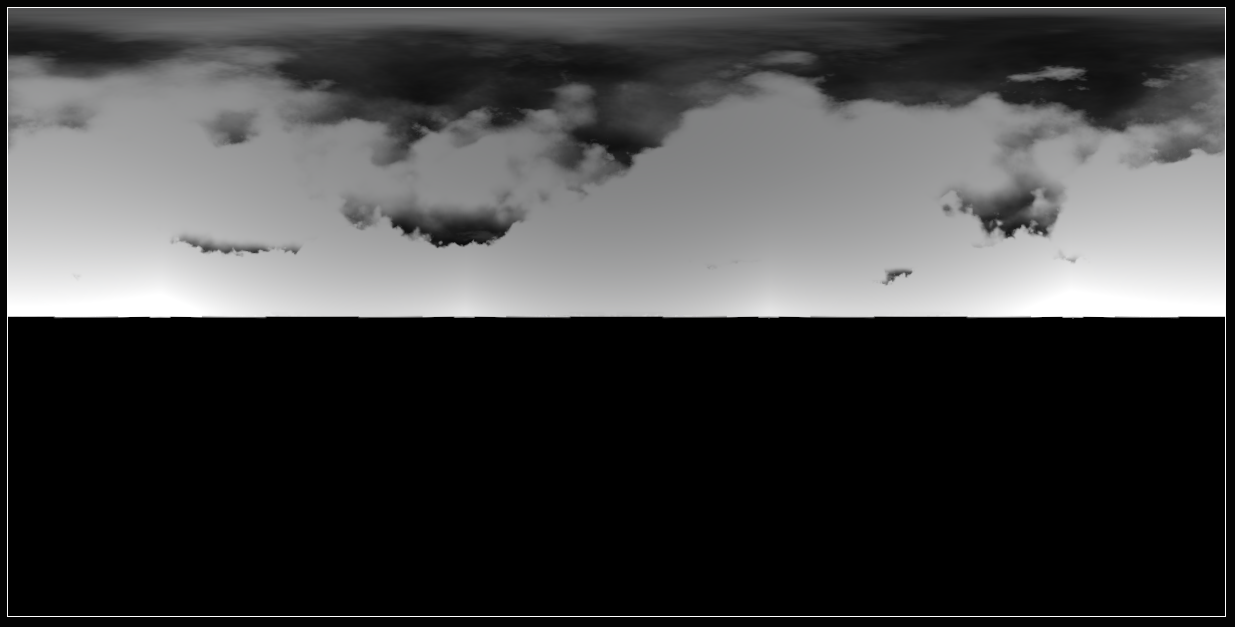
With some modification of the skybox renderer, it should be up to the task of rendering raw opacity of the cloud. This would allow separating the star map away from sky texture, making it scroll smoothly. It would also significantly improve the way the sun and the moon interact with the clouds.
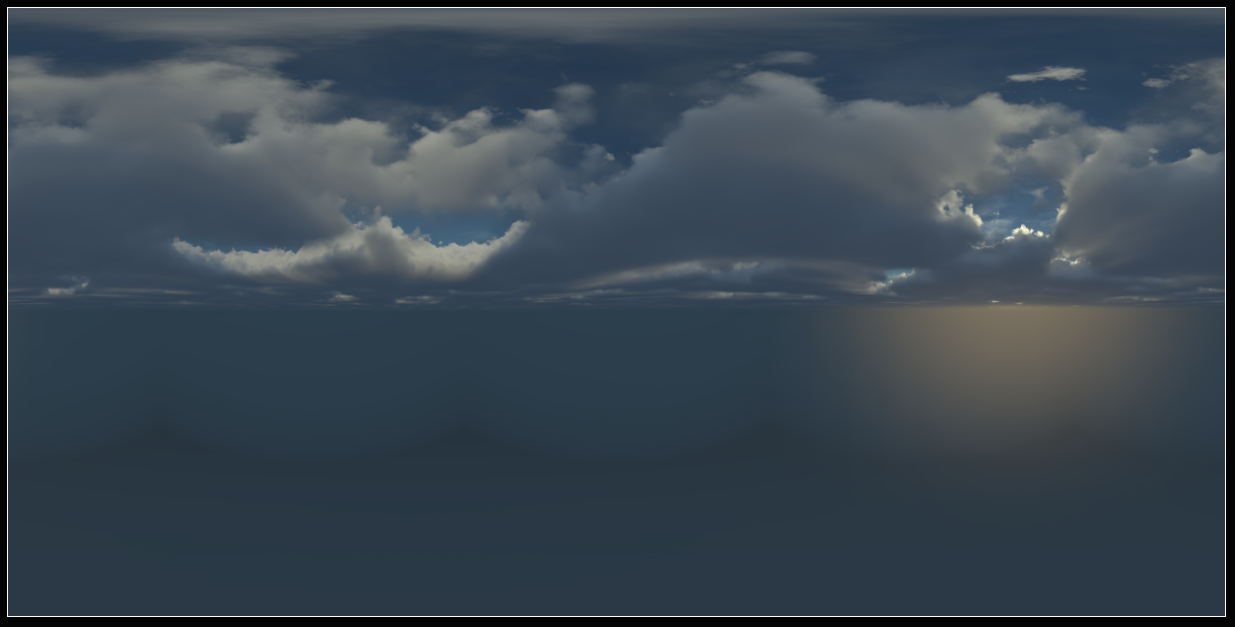
While writing this post, I experimented a little with some simple modifications and got a result that I think will be practically useful. Here’s an example of a pre-rendered sky and a pre-rendered cloud mask. This cloud mask would allow distinguishing objects in front and behind the clouds accurately.
Hover over the mask below to see the corresponding pre-rendered skybox texture: