In Synesthesia, the sky is displayed by taking a skybox cubemap texture and applying it to the sky sphere surrounding the game world. This texture is pre-rendered and stored on disk, allowing the sky to be displayed at a very small performance cost.
I have now improved the skybox system to support a full day/night cycle, including the smooth movement of the sun and the moon. Because each skybox texture must be a static picture the sun and the moon are superimposed on top of the clouds, allowing them to move smoothly.
The skybox textures are pre-rendered inside the engine using a custom baking tool from a custom volumetric sky shader that uses the Unreal Engine volumetrics to render the clouds. Many skies are pre-rendered to allow the skybox to smoothly blend between different times of day and weathers.
For example, with the default 30 minute time interval, this means that 48 textures will be created for a single weather for the full span of a 24-hour day.
The sky system loads only the sky textures that are currently relevant and then blends between the two textures for the specified time of day, or blends between multiple textures in case the weather is changing.
Since the 2D skybox pre-rendering process cannot properly capture a mask for cloud opacity/transparency right now, to avoid the sun and the moon always appearing to be on top of the clouds their brightness is adjusted based on a pre-calculated curve.
In order to mask the sun when it goes behind the clouds, the bake tool captures two versions of the scene - one with light sources enabled, another one with light sources disabled. It will then compare the brightness of the pixel where sun is located.
If the two brightness values are nearly equal, the sun is blocked by the clouds. If the two brightness values are different, then the sun is not concealed.
This works good enough for both sun and moon. The version of the scene with light sources disabled is the one that gets saved to disk and later used with the 2D skybox.
Here is an example set of the pre-rendered skybox textures for a specific weather. The sun and moon are omitted and will be later superimposed on top of this texture when it is rendered in-game:
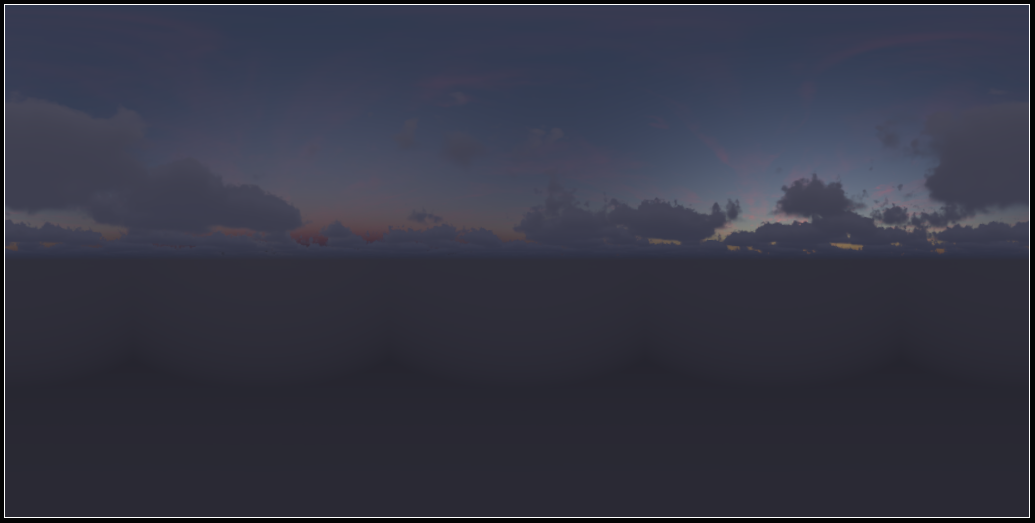
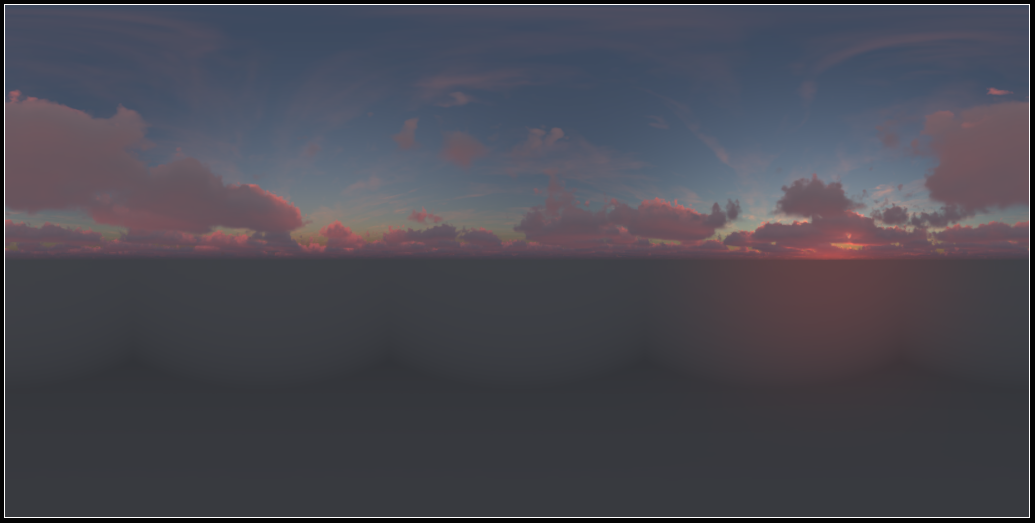
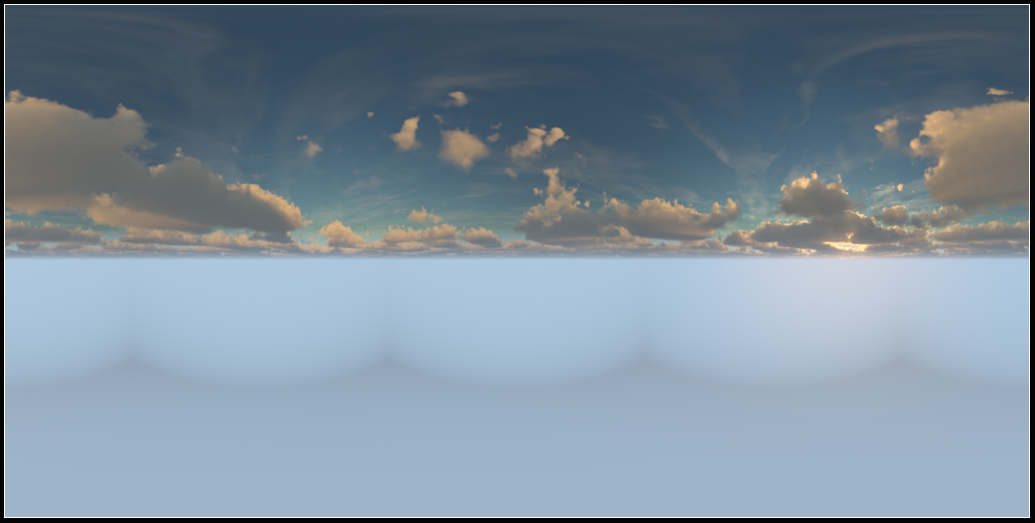
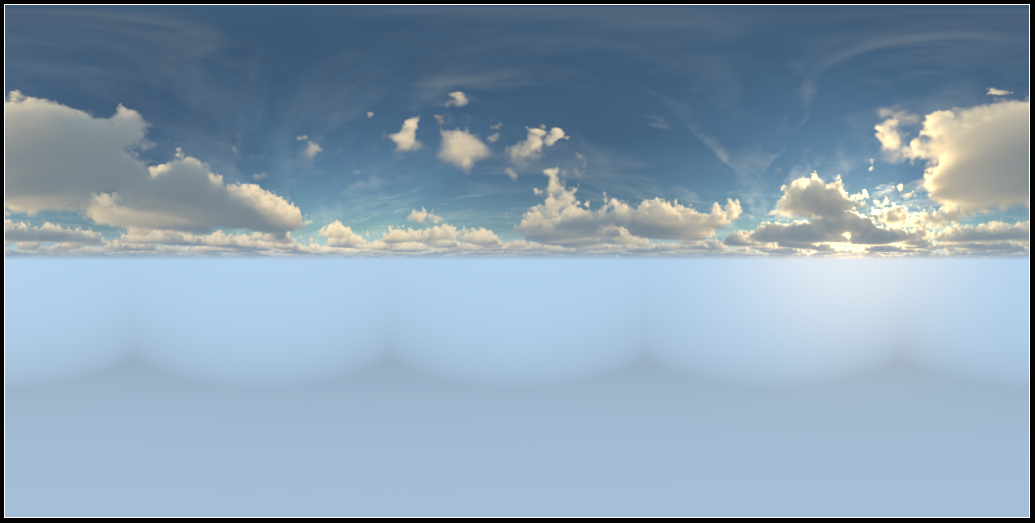
This method for skyboxes is highly performant and gives me a lot of artistic control. It does have some flaws, one of which I will demonstrate in the next post.
Some of the limitations of these pre-rendered skies:
- The clouds within the same weather never move and are fully static. I could potentially fix this by allowing clouds to evolve during the capture process, however the clouds would have to somehow create a looping animation to avoid a discrepancy in cloud positions.
- The star map blends in discrete steps, rather than smoothly rotating. I will update the star map with a generic texture so this effect wouldn’t be noticeable. However, see the next post for more about this.
- The sun/moon do not interact with clouds in a satisfying way. They simply get darker or brighter, plus the curve doesn’t perfectly interpolate. But this isn’t very noticeable
- Weather transitions are simplistic and there are no nice intermediate states. Also a limitation, the only way to transition between two weathers is to directly blend between them.
My intent is to solve most of the visual issues by providing a large pool of different skyboxes. Since they can be very easily generated and created, there can be enough interesting skies to look at so the other problems don’t matter as much.