Synesthesia: Debris re-entry effects

While working on the sky system, I had a thought about adding random space debris re-entering atmosphere. It would be a really telling and interesting piece of narrative that illustrates the state of the world - in the setting of Synesthesia, in year 2994, most of the space operations have been abandoned and overall there is no organized effort to monitor space debris anymore.

There are still millions of objects in orbit - many of these are private satellites, spacecraft and other assorted hardware. There are a few large objects (space stations and old spacecraft) which will eventually decay and re-enter atmosphere. All sorts of debris routinely enters the Earth atmosphere.

A large proportion of this debris is the result of the progressing Kessler syndrome, making any space travel dangerous and forcing people to abandon many of the space-based operations.

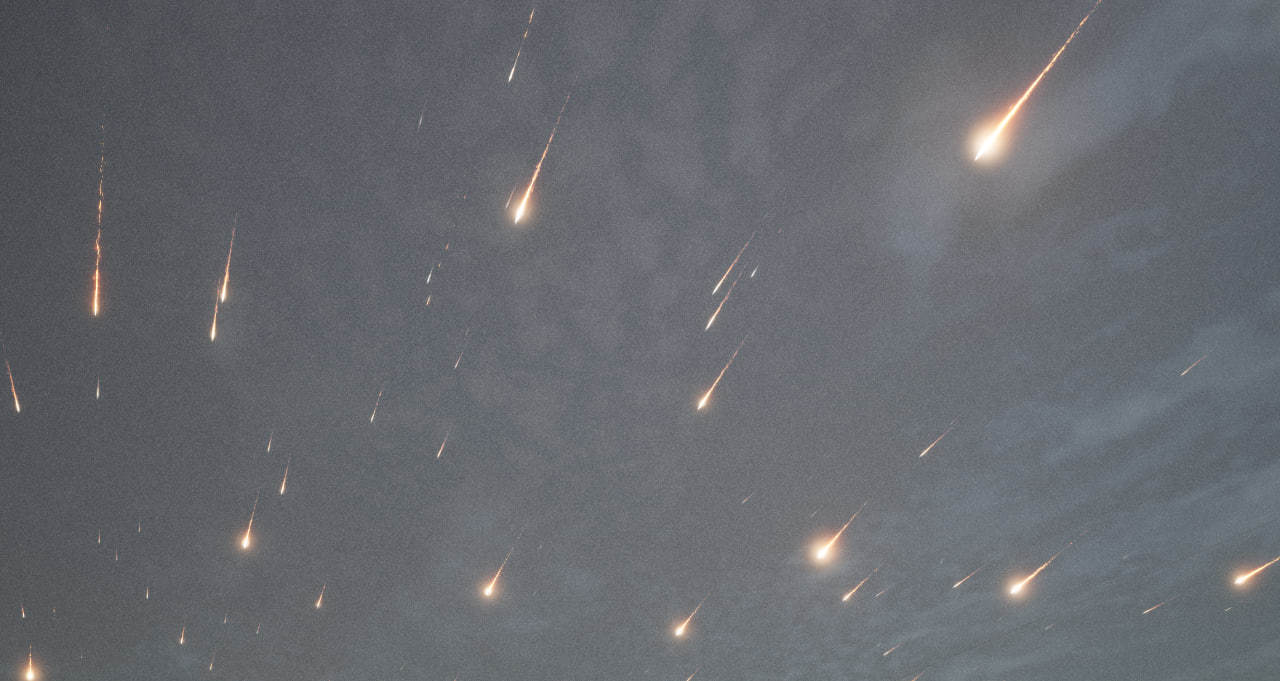
The player would be able to see these happen randomly. Many of them may be too small to notice unless they get lucky, however there may be a really big event once in a while.


The re-entry effect is implemented as a particle system combined with a fairly simple thermal simulation. The debris objects are spawned at the height of about 120-140 km and are given a random, statistically distributed direction & entry angle.

The objects continue to fly free and a simple break-up model is used to calculate when the object finally burns up. It is a fairly simplistic model, it is possible that I might improve it in the future.

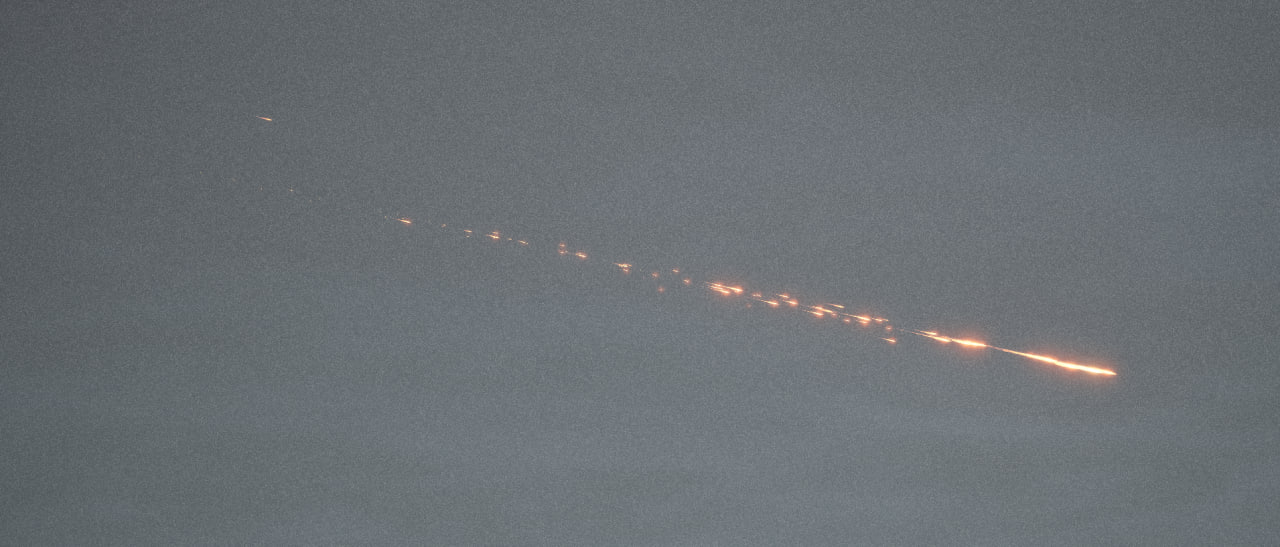
One definite improvement I want to make is using better sprites - it would make the re-entry trails much more distinct, vivid, and less blurry. It would also emphasize multiple objects traveling in the re-entry path as the main object continues to shed debris.


The video below shows a better look at the hot entry and break up of the object. The re-entry event, if detected by players information systems, will also be recorded in the minor event log.

The re-entry events are defined by the following parameters:

  1. Object mass - this defines how much debris is generated and how long can the object withstand high temperature.
  2. Burn rate - this defines how fast temperature burns up the mass of the object or causes debris shedding events. The effective burn rate is proportional to this value and the current temperature.
  3. Entry vector - the simulation has a simple exponential model of atmosphere, so shallow and steep re-entries look distinctly different.

A combination of these parameters can be used to set up a re-entry that looks most artistically appealing. The sky system creates random procedural re-entry events. For special scripted events, the same particle system can be created manually and multiple systems can be combined to create an appearance of a very large object breaking up.

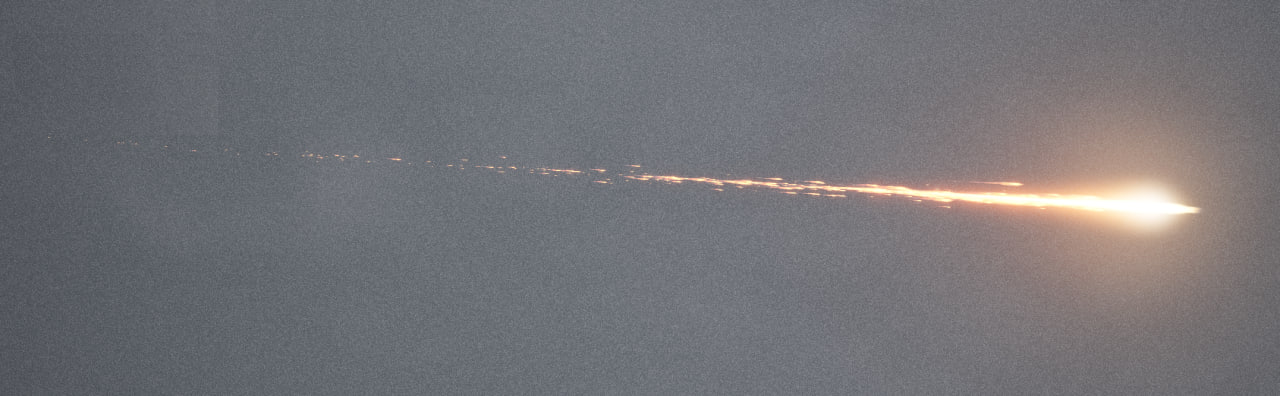
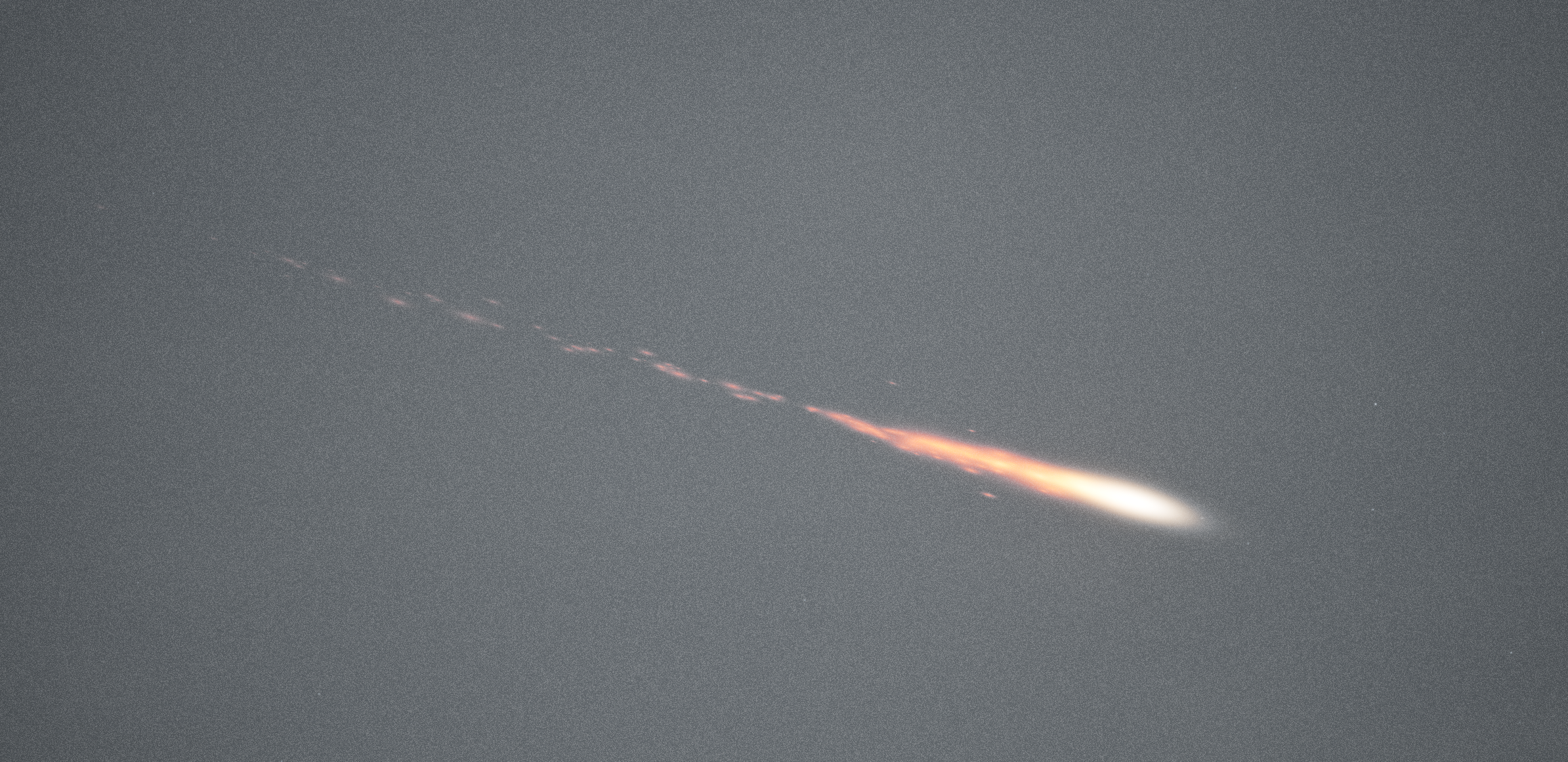
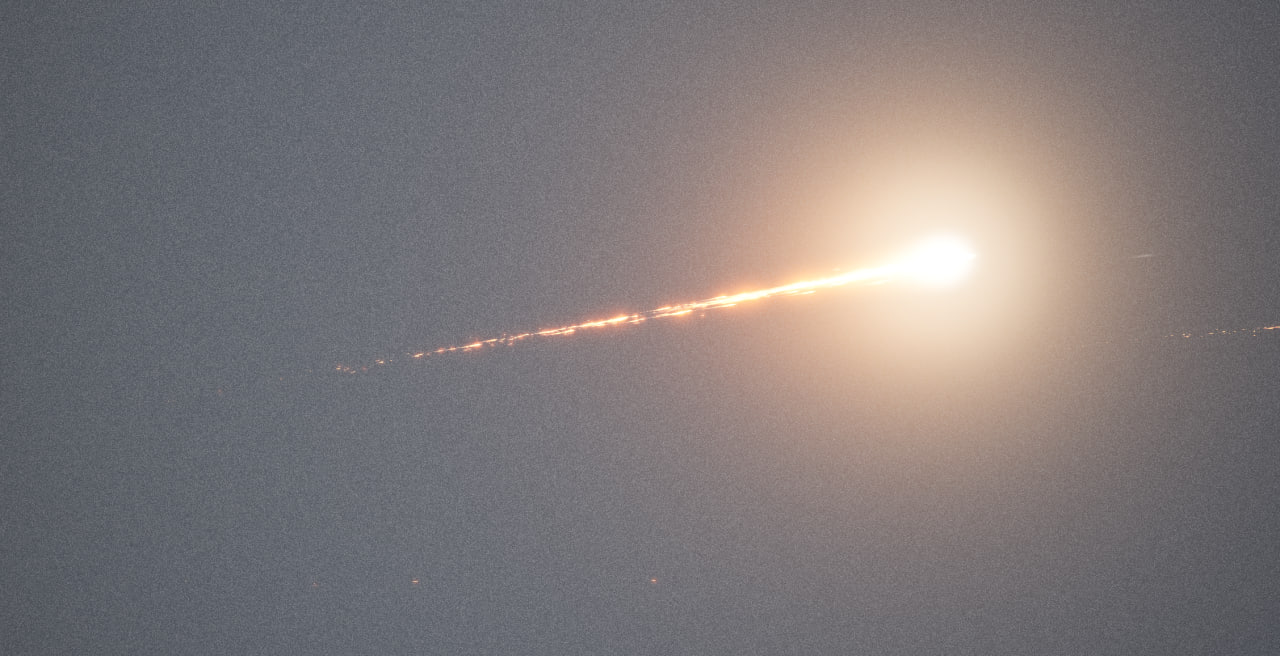
Here is a close-up picture of the re-entry event. For prototyping, I’ve been using a simple spherical sprite, which makes the entire trail look quite blurry. The quality should improve considerably when the sprite will be more drop-shaped, with a large glowing core and a small trail following it.

Re-entry trail. Something is burning up out there


In addition to immersion, I want to include the re-entry effects in at least two elements of the narrative itself:

  1. A side quest, during which the player can force a spacecraft in orbit to burn its engines for re-entry. While not having effect on the main quest, it would be narratively connected to the plot events.
  2. A random event, during which an object re-enters over the EDZ-01 and visibly reaches surface.

Synesthesia: Gameplay systems and elements

Primary Gameplay Loop

The primary loop is explore - cover - shoot. The player moves around complicated urban terrain, engaging human and creature enemies in tactical gunfights, managing their resources (maintaining weapons, keeping up with ammo counts, making sure equipment matches the enemies player is facing).

The game is influenced by S.T.A.L.K.E.R. series, Fallout: New Vegas and Arma 3. The primary activities in this game are:

  1. Searching for technical artifacts
  2. Interacting with NPC characters
  3. Engaging in gunfights
  4. Exploring the environment
  5. Doing special narrative quests
  6. Managing ammunition and supplies, weapon condition

→ More On Synesthesia Gameplay Systems and Elements

Synesthesia: Improved starfield rendering + satellites

While working on the new pre-rendered skybox system for Synesthesia, I came up with a way to render a cloud mask that would allow masking out objects that are supposed to be located behind the clouds - since skybox is a two-dimensional opaque image, there is no “behind”, things could only possibly render in front of this image.

However, with the cloud mask, objects that are rendered in front can be masked to appear behind, by concealing parts of them which are supposed to be hidden. Because of this, a possibility opened up to render a realistic star sky.
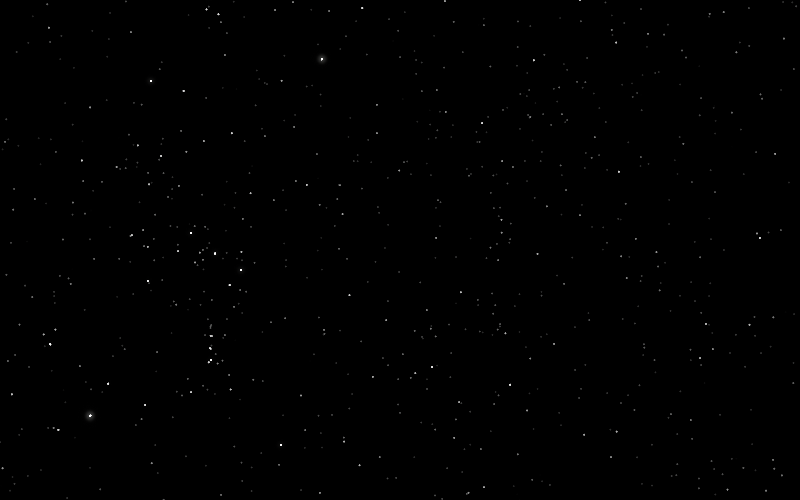
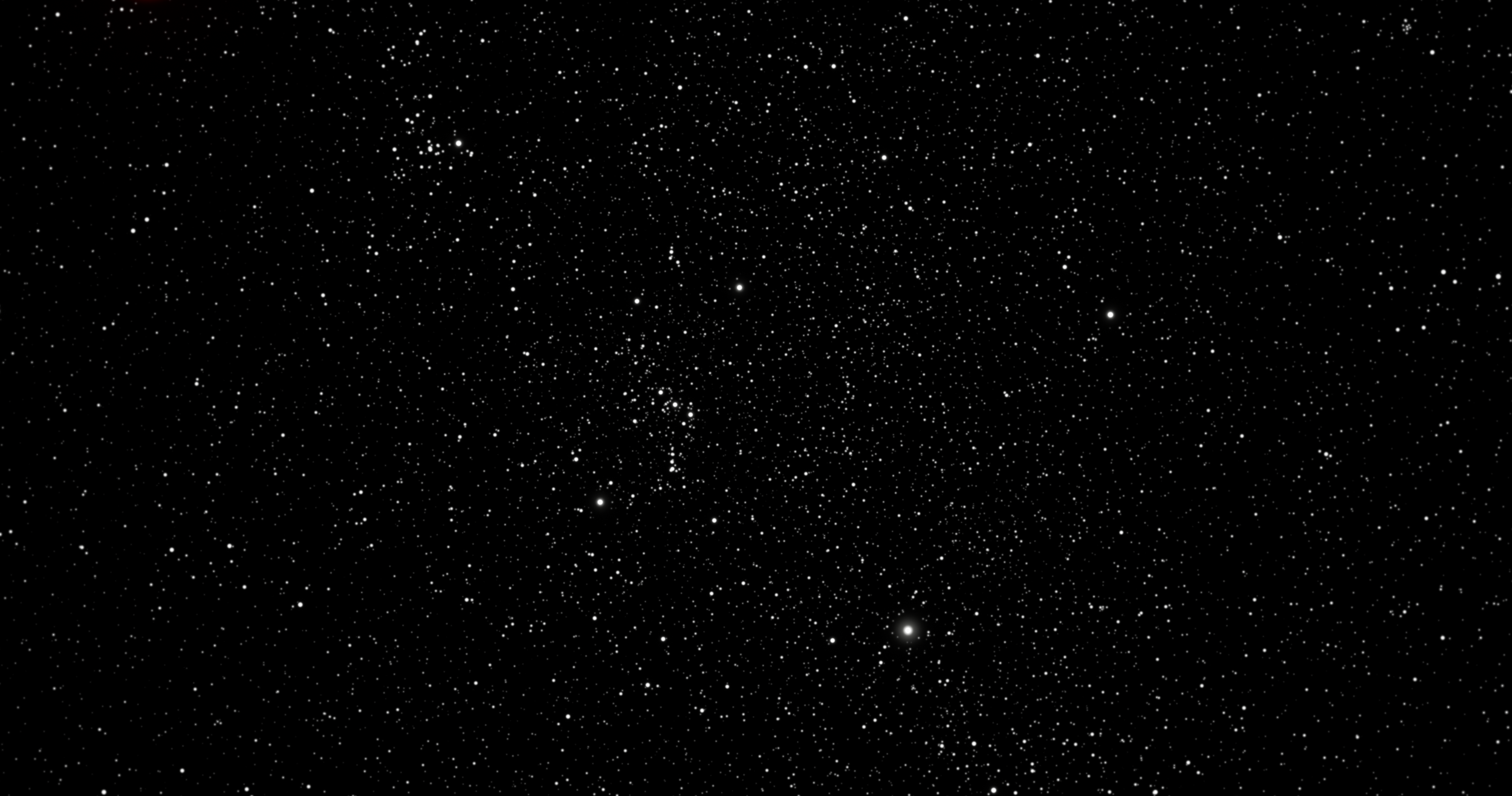
Starfield rendered using the new code

The stars are rendered as Niagara particles and placed slightly in front of the sky sphere. While I did not finish this yet, the stars will be masked by the cloud mask, allowing them to appear correctly behind the cloud.

The stars are defined by a catalog, where right ascension (azimuth) and declination (elevation) are specified. For now, I took a catalog that is relevant to present time, however it would be fun to produce a star catalog for year 2994 (when the game takes place).


The video above shows a timelapse and a few satellites passing over. The satellites are indicated by a red glow for now, however I will add proper calculations for their apparent magnitude.

The ring of satellites that appear to be frozen are an array of 36 geostationary satellites with a 10.0 degree step. They have an orbit defined as geostationary, I used them to verify orbital calculations and alignment between the starfield, the satellites and the geographical location of the observation.

Although there is a specific location encoded internally in the game, the exact location of EDZ-01 (the city that you explore in Synesthesia) should be assumed ambiguous.

The video above shows movement of the satellites at the in-game time scale. Currently, 24 in-game hours take 2.4 hours of real world time. I may revise the scale in the future, however this seems to be optimal for the sort of gameplay that I have in mind. To compare, the same time of day scale is found in S.T.A.L.K.E.R.


To support a large number of satellites the simulation code works like this:

  1. When it is first initialized, the time when satellite will become visible is pre-calculated. The satellite position is estimated at 5 minute intervals until position that is visible is found
  2. If satellite is visible, it is added to the visible satellites list. If a satellite drops below the horizon in this list, it is removed and added to the sorted satellite list.
  3. The sorted satellite list stores all satellites that are not visible in the order of next encounter.
  4. Every tick, the sorted satellite array is scanned until the first satellite that is still too early to encounter is found. In practice, this means that only a small handful of satellites at the start of the list will be checked. These satellites are removed from the sorted list and added to the visible list.

Satellites are defined by a catalog, where six orbital elements and two extra parameters are specified:

  1. Semi-major axis (SMA)
  2. Eccentricity (ECC)
  3. Inclination (INC)
  4. Right ascension of ascending node / longitude of the ascending node (RAAN)
  5. Periapsis argument (PAR)
  6. Initial mean anomaly (MA0)
  7. Tumble period: if the satellite is tumbling, its brightness is modulated with this period
  8. Apparent magnitude: apparent magnitude of the satellite under the best conditions

The satellite system provides extra immersion and flavor to the setting, but also I plan a RF scanning feature where player can listen in to various radio signals. Many of these satellites are no longer operationally used, however they still likely broadcast a dead carrier or some sort of telemetry data that player would be able to receive (however, most of it would be procedural and meaningless, just for flavor).
Synesthesia: Starfield rendering

See the previous post for more about how the skyboxes work in Synesthesia. One of the issues with the pre-rendered skyboxes is that the image of the stars in the background cannot properly rotate with the movement of sun.

The stars rotate over the sky as time progresses due to the rotation of Earth. However, since the stars must be behind the clouds and the current implementation of the pre-rendering cannot capture a mask of where the clouds are, it’s just embedded in the sky texture.

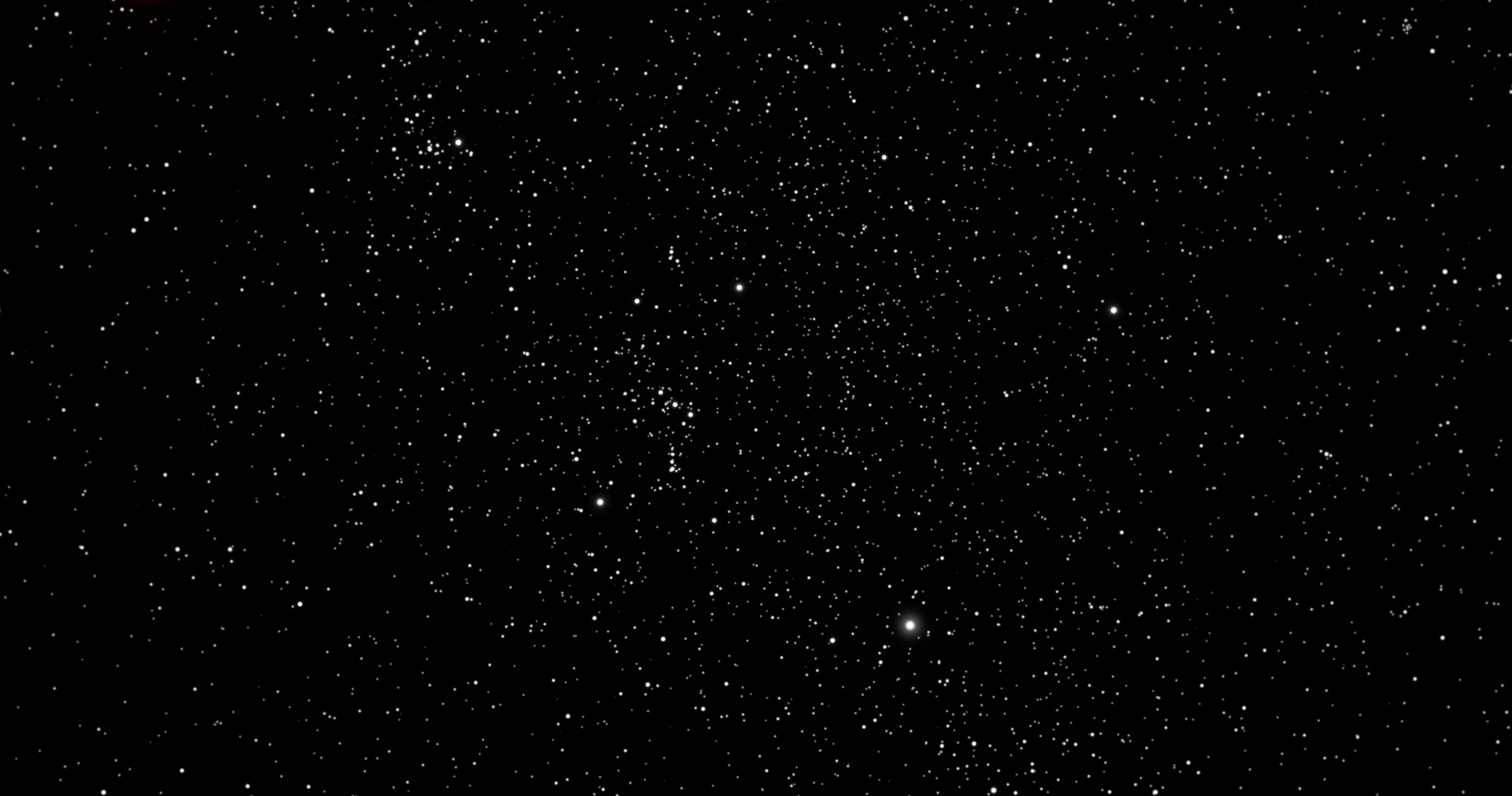
On the video above, pay attention to the top middle of the frame. There are two prominent stars there which appear to teleport around in a strange way - a consequence of them being embedded in the sky texture as it blends.

Compare this to the way true dynamic sky behaves, shown on the video below. The star map correctly rotates with the movement of Earth.

With some modification of the skybox renderer, it should be up to the task of rendering raw opacity of the cloud. This would allow separating the star map away from sky texture, making it scroll smoothly. It would also significantly improve the way the sun and the moon interact with the clouds.


While writing this post, I experimented a little with some simple modifications and got a result that I think will be practically useful. Here’s an example of a pre-rendered sky and a pre-rendered cloud mask. This cloud mask would allow distinguishing objects in front and behind the clouds accurately.

Hover over the mask below to see the corresponding pre-rendered skybox texture:

Synesthesia: Pre-rendered 2D skybox

In Synesthesia, the sky is displayed by taking a skybox cubemap texture and applying it to the sky sphere surrounding the game world. This texture is pre-rendered and stored on disk, allowing the sky to be displayed at a very small performance cost.

I have now improved the skybox system to support a full day/night cycle, including the smooth movement of the sun and the moon. Because each skybox texture must be a static picture the sun and the moon are superimposed on top of the clouds, allowing them to move smoothly.

The skybox textures are pre-rendered inside the engine using a custom baking tool from a custom volumetric sky shader that uses the Unreal Engine volumetrics to render the clouds. Many skies are pre-rendered to allow the skybox to smoothly blend between different times of day and weathers.

For example, with the default 30 minute time interval, this means that 48 textures will be created for a single weather for the full span of a 24-hour day.

The sky system loads only the sky textures that are currently relevant and then blends between the two textures for the specified time of day, or blends between multiple textures in case the weather is changing.

Since the 2D skybox pre-rendering process cannot properly capture a mask for cloud opacity/transparency right now, to avoid the sun and the moon always appearing to be on top of the clouds their brightness is adjusted based on a pre-calculated curve.

In order to mask the sun when it goes behind the clouds, the bake tool captures two versions of the scene - one with light sources enabled, another one with light sources disabled. It will then compare the brightness of the pixel where sun is located.

If the two brightness values are nearly equal, the sun is blocked by the clouds. If the two brightness values are different, then the sun is not concealed.


This works good enough for both sun and moon. The version of the scene with light sources disabled is the one that gets saved to disk and later used with the 2D skybox.

Here is an example set of the pre-rendered skybox textures for a specific weather. The sun and moon are omitted and will be later superimposed on top of this texture when it is rendered in-game:


This method for skyboxes is highly performant and gives me a lot of artistic control. It does have some flaws, one of which I will demonstrate in the next post.

Some of the limitations of these pre-rendered skies:

  • The clouds within the same weather never move and are fully static. I could potentially fix this by allowing clouds to evolve during the capture process, however the clouds would have to somehow create a looping animation to avoid a discrepancy in cloud positions.
  • The star map blends in discrete steps, rather than smoothly rotating. I will update the star map with a generic texture so this effect wouldn’t be noticeable. However, see the next post for more about this.
  • The sun/moon do not interact with clouds in a satisfying way. They simply get darker or brighter, plus the curve doesn’t perfectly interpolate. But this isn’t very noticeable
  • Weather transitions are simplistic and there are no nice intermediate states. Also a limitation, the only way to transition between two weathers is to directly blend between them.

My intent is to solve most of the visual issues by providing a large pool of different skyboxes. Since they can be very easily generated and created, there can be enough interesting skies to look at so the other problems don’t matter as much.